CRONUS MK SWITCH
BUY DIRECT FROM THE OFFICIAL CRONUS SHOP - ONLINE ONLY EXCLUSIVE!
Using a mouse and keyboard with Cronus Zen can take your gaming to the next level. But setting it up might be a bit tricky. Once your mouse and keyboard are plugged into Cronus Zen, they function as a game controller, not as regular PC devices. The catch? You still need a normal mouse and keyboard to adjust the M&K Settings in the Zen Studio software.
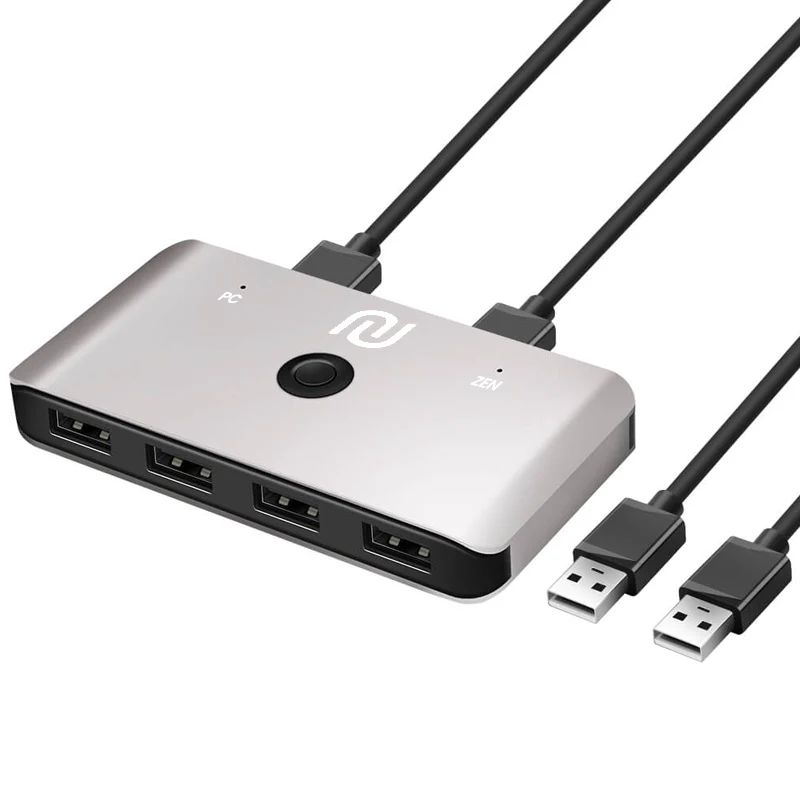
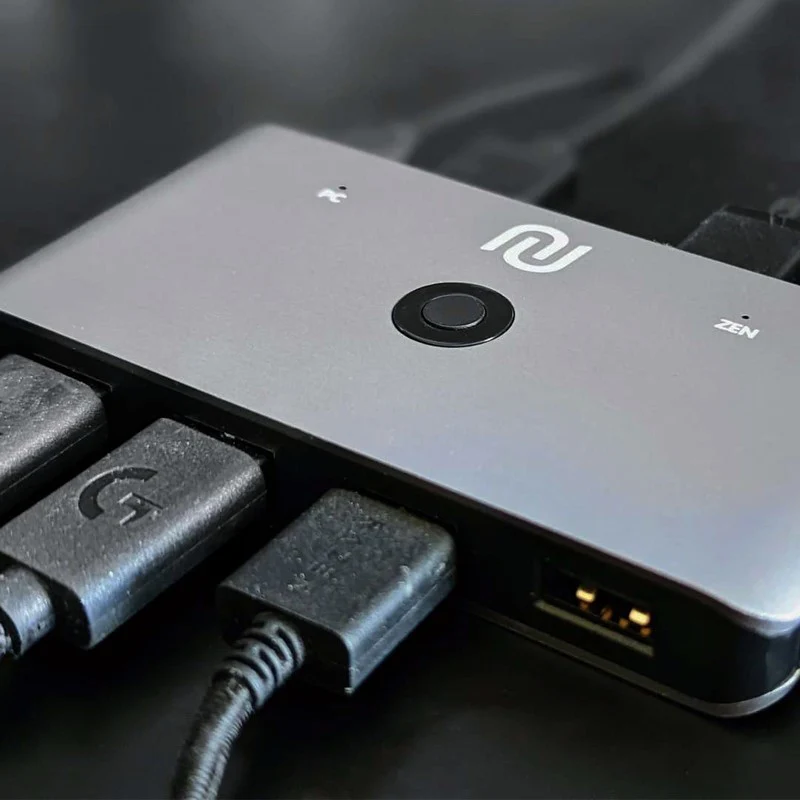
That's where our custom MK Switch comes in. It lets your single mouse and keyboard serve two roles: setting up the Cronus Zen and acting as a game controller. Plus, you can switch between these roles in real-time with just a press of a button. This means you can fine-tune your setup without needing separate devices. Simple and convenient!
One Button Switch
Switching between your Cronus Zen and your PC is a snap. One button press and you're in control of either device.
Easy Setup
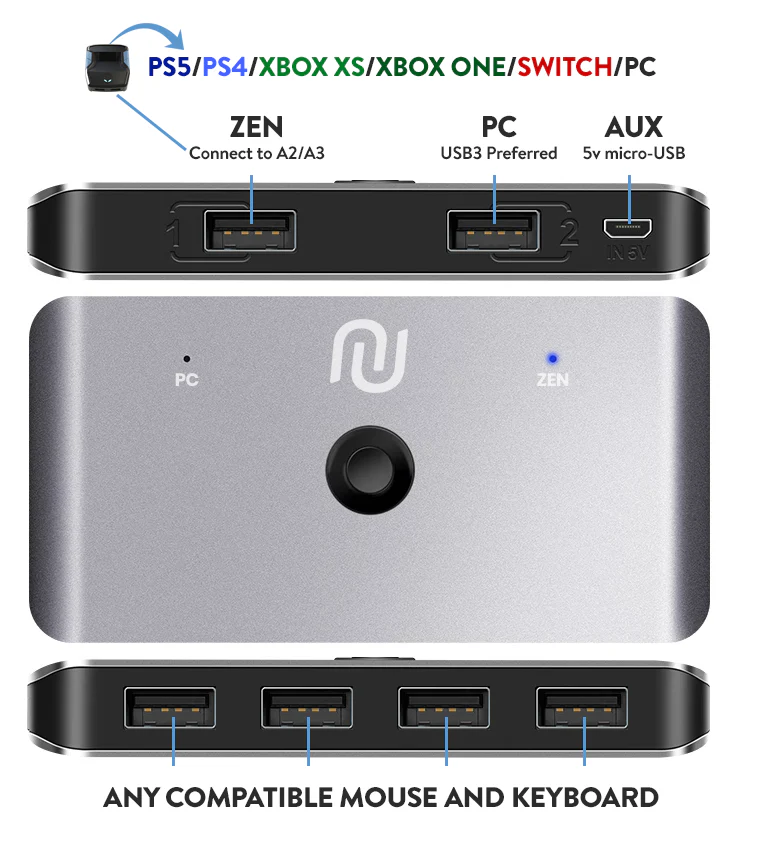
Just plug your mouse and keyboard into the input USB ports. Then connect the two provided USB cables from the output USB ports - one to your PC, and one to the Cronus Zen. No extra drivers, no fuss. It's plug and play!
Expanded Keyboard Support
Keyboards like some Logitech models come with an extra USB cable for expanded functionality. Our MK Switch is designed to accommodate this, with two additional input USB ports. For optimal performance in these cases, we recommend using the AUX power.
LED Smart Indicator
Bright blue LED highlights which device role is active, Zen (Controller Mode), or PC (Mouse & Keyboard mode).
AUX USB 5v Power
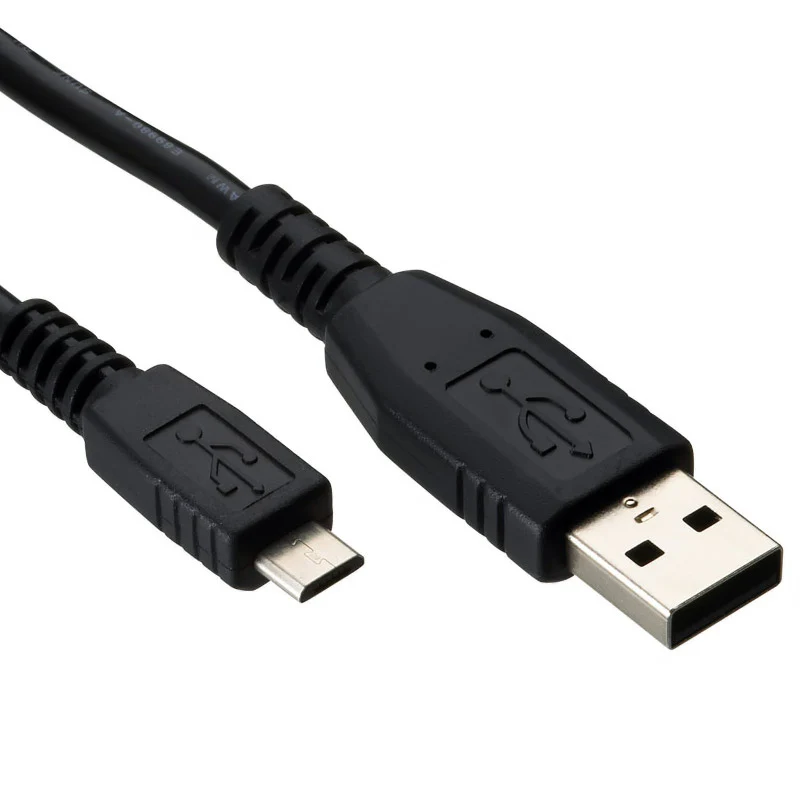
Some mice or keyboards may need more power than others. If that's the case, you can use a micro-USB cable with a 5v power supply (not included with the MK switch, but you can use the micro-USB cable included with a Cronus Zen).
Premium Aluminum Shell
The MK Switch is housed in a robust aluminum shell that resists scratches and dissipates heat efficiently, keeping your hardware in great shape.
USB Cables Included
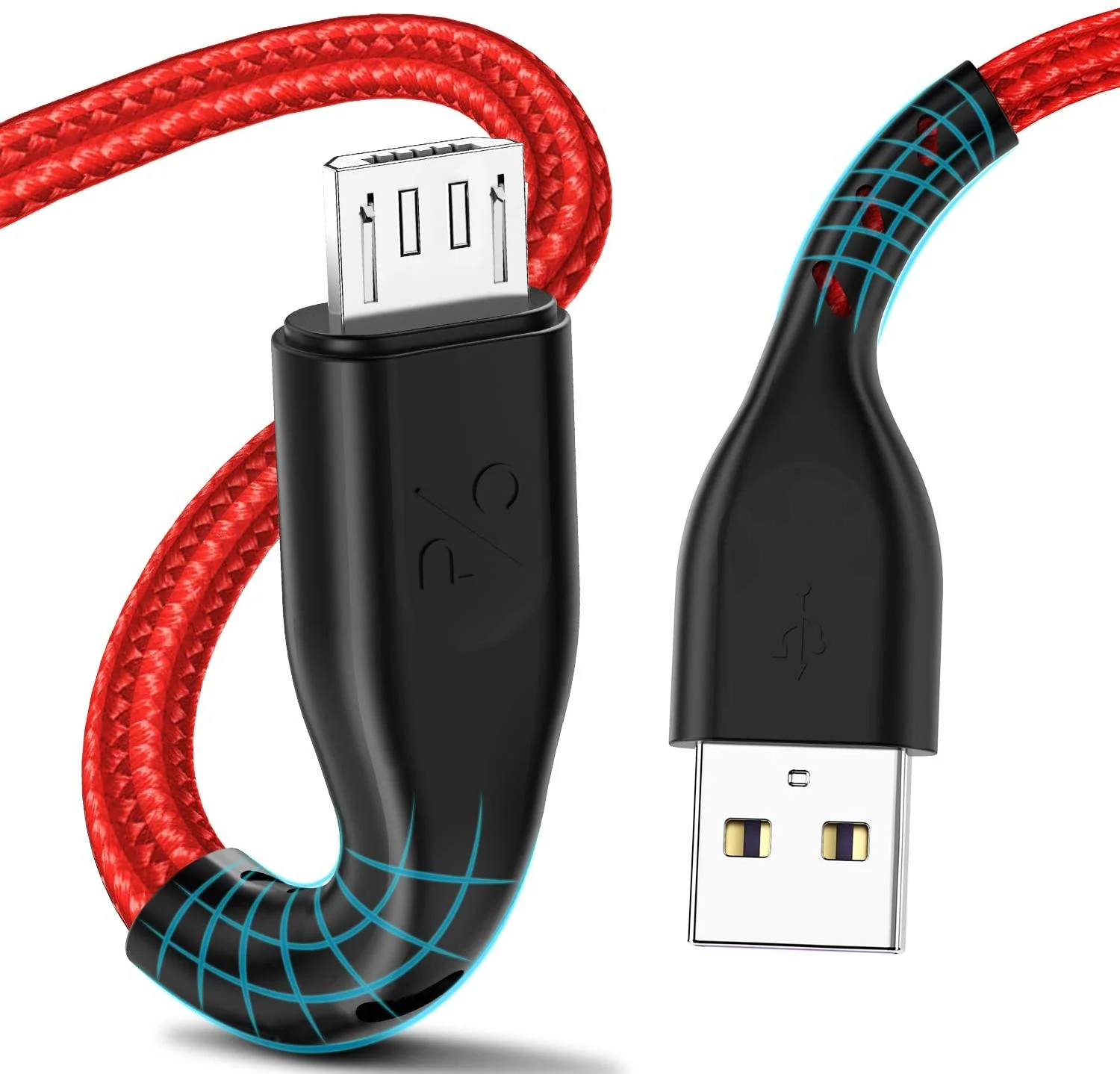
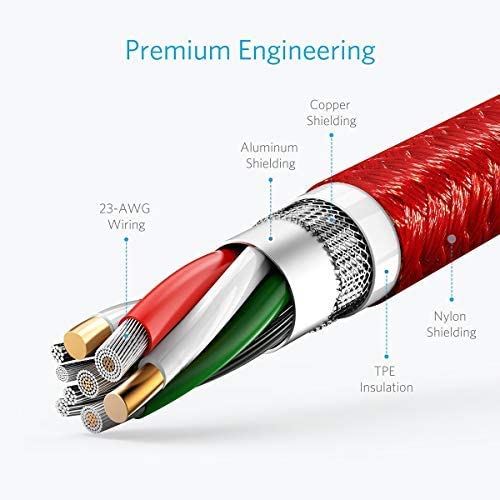
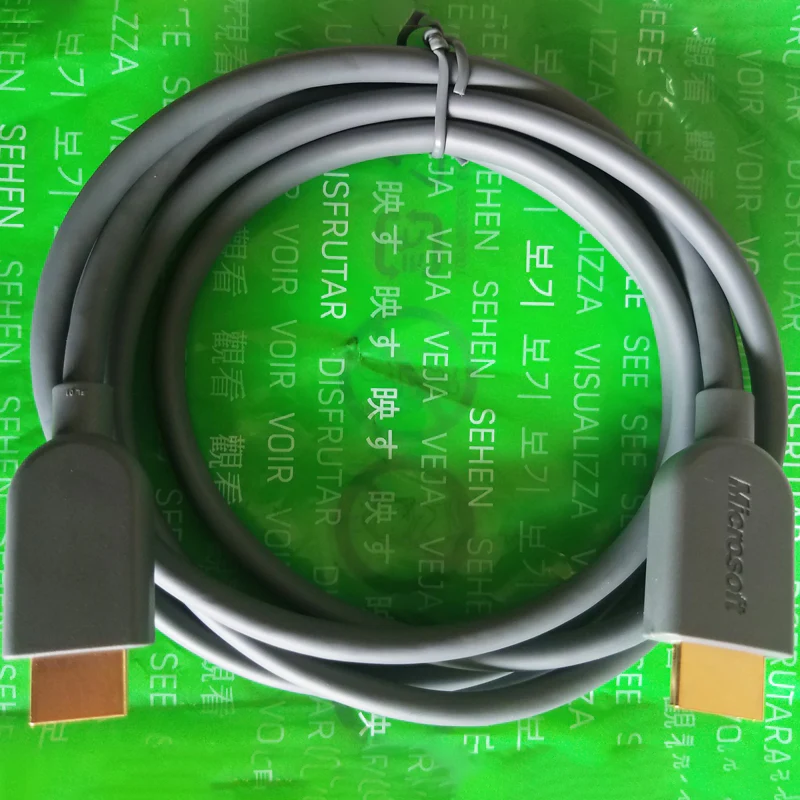
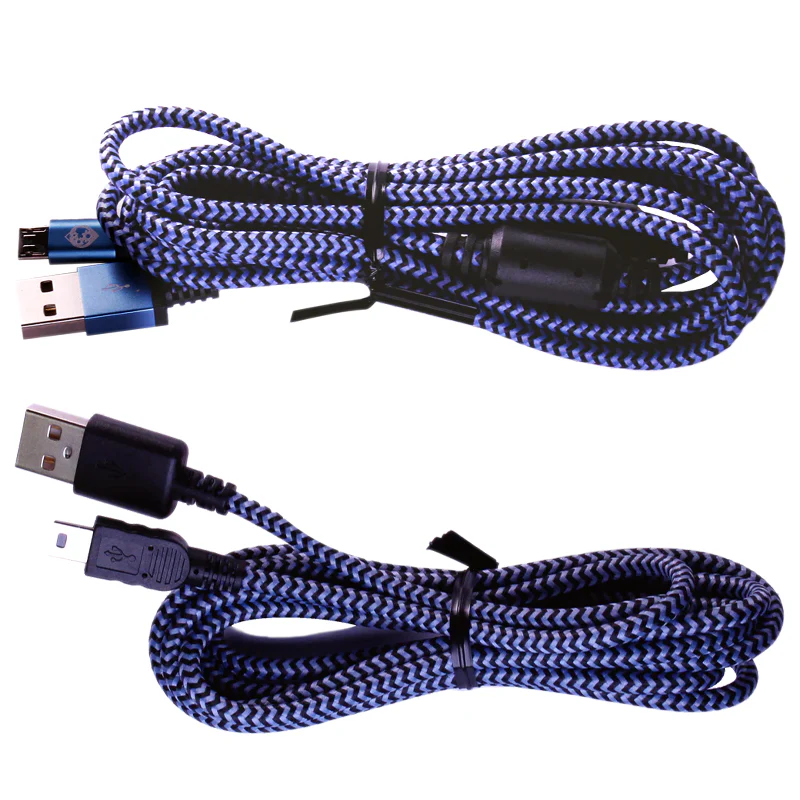
Comes complete with 2 x 5ft Male A to A USB 2.0 cables.
Technical Specifications:
- Input: 4 x USB 2.0 ports (Mouse & Keyboard)
- Output: 2 x USB 2.0 ports (Zen & PC)
- AUX 5v Power
- Material: Aluminum Case
- Weight: 3.21 Ounces
- Dimensions: 5.9 x 3.6 x 1.9 inches
- Operating System Compatibility: Windows 11/10 and Mac OS X.
What's in the Box?:
- Mouse & Keyboard USB Switch
- 2 x 5ft USB A to A Cables
More Images
CRONUS MK SWITCH
BUY DIRECT FROM THE OFFICIAL CRONUS SHOP - ONLINE ONLY EXCLUSIVE!
Using a mouse and keyboard with Cronus Zen can take your gaming to the next level. But setting it up might be a bit tricky. Once your mouse and keyboard are plugged into Cronus Zen, they function as a game controller, not as regular PC devices. The catch? You still need a normal mouse and keyboard to adjust the M&K Settings in the Zen Studio software.
That's where our custom MK Switch comes in. It lets your single mouse and keyboard serve two roles: setting up the Cronus Zen and acting as a game controller. Plus, you can switch between these roles in real-time with just a press of a button. This means you can fine-tune your setup without needing separate devices. Simple and convenient!
One Button Switch
Switching between your Cronus Zen and your PC is a snap. One button press and you're in control of either device.
Easy Setup
Just plug your mouse and keyboard into the input USB ports. Then connect the two provided USB cables from the output USB ports - one to your PC, and one to the Cronus Zen. No extra drivers, no fuss. It's plug and play!
Expanded Keyboard Support
Keyboards like some Logitech models come with an extra USB cable for expanded functionality. Our MK Switch is designed to accommodate this, with two additional input USB ports. For optimal performance in these cases, we recommend using the AUX power.
LED Smart Indicator
Bright blue LED highlights which device role is active, Zen (Controller Mode), or PC (Mouse & Keyboard mode).
AUX USB 5v Power
Some mice or keyboards may need more power than others. If that's the case, you can use a micro-USB cable with a 5v power supply (not included with the MK switch, but you can use the micro-USB cable included with a Cronus Zen).
Premium Aluminum Shell
The MK Switch is housed in a robust aluminum shell that resists scratches and dissipates heat efficiently, keeping your hardware in great shape.
USB Cables Included
Comes complete with 2 x 5ft Male A to A USB 2.0 cables.
Technical Specifications:
- Input: 4 x USB 2.0 ports (Mouse & Keyboard)
- Output: 2 x USB 2.0 ports (Zen & PC)
- AUX 5v Power
- Material: Aluminum Case
- Weight: 3.21 Ounces
- Dimensions: 5.9 x 3.6 x 1.9 inches
- Operating System Compatibility: Windows 11/10 and Mac OS X.
What's in the Box?:
- Mouse & Keyboard USB Switch
- 2 x 5ft USB A to A Cables
Product Information
Product Information
Shipping & Returns
Shipping & Returns
Description
BUY DIRECT FROM THE OFFICIAL CRONUS SHOP - ONLINE ONLY EXCLUSIVE!
Using a mouse and keyboard with Cronus Zen can take your gaming to the next level. But setting it up might be a bit tricky. Once your mouse and keyboard are plugged into Cronus Zen, they function as a game controller, not as regular PC devices. The catch? You still need a normal mouse and keyboard to adjust the M&K Settings in the Zen Studio software.
That's where our custom MK Switch comes in. It lets your single mouse and keyboard serve two roles: setting up the Cronus Zen and acting as a game controller. Plus, you can switch between these roles in real-time with just a press of a button. This means you can fine-tune your setup without needing separate devices. Simple and convenient!
One Button Switch
Switching between your Cronus Zen and your PC is a snap. One button press and you're in control of either device.
Easy Setup
Just plug your mouse and keyboard into the input USB ports. Then connect the two provided USB cables from the output USB ports - one to your PC, and one to the Cronus Zen. No extra drivers, no fuss. It's plug and play!
Expanded Keyboard Support
Keyboards like some Logitech models come with an extra USB cable for expanded functionality. Our MK Switch is designed to accommodate this, with two additional input USB ports. For optimal performance in these cases, we recommend using the AUX power.
LED Smart Indicator
Bright blue LED highlights which device role is active, Zen (Controller Mode), or PC (Mouse & Keyboard mode).
AUX USB 5v Power
Some mice or keyboards may need more power than others. If that's the case, you can use a micro-USB cable with a 5v power supply (not included with the MK switch, but you can use the micro-USB cable included with a Cronus Zen).
Premium Aluminum Shell
The MK Switch is housed in a robust aluminum shell that resists scratches and dissipates heat efficiently, keeping your hardware in great shape.
USB Cables Included
Comes complete with 2 x 5ft Male A to A USB 2.0 cables.
Technical Specifications:
- Input: 4 x USB 2.0 ports (Mouse & Keyboard)
- Output: 2 x USB 2.0 ports (Zen & PC)
- AUX 5v Power
- Material: Aluminum Case
- Weight: 3.21 Ounces
- Dimensions: 5.9 x 3.6 x 1.9 inches
- Operating System Compatibility: Windows 11/10 and Mac OS X.
What's in the Box?:
- Mouse & Keyboard USB Switch
- 2 x 5ft USB A to A Cables